
Discover how Red Lion Hotels Corporation used Dynamics 365, Microsoft Teams, and Office 365 to digitally transform their internal processes to drive higher guest satisfaction. Faced with data-quality issues, the challenges of combining two legacy CRM platforms, and a need to improve internal communications, RLH Corporation consolidated disparate systems into a single platform.
Discover how Red Lion Hotels Corporation used Dynamics 365, Microsoft Teams, and Office 365 to digitally transform their internal processes to drive higher guest satisfaction. Faced with data-quality issues, the challenges of combining two legacy CRM platforms, and a need to improve internal communications, RLH Corporation consolidated disparate systems into a single platform.
Hi Everyone,
Today i am going how the power platform automation can be achieved.
As you all know the Power Platform is built on the Common Data Service.
The automation can be done using the
- Business Process Flows
- Business Rules
- Workflows using the classic Common Data Service for Apps workflow engine
- Workflows using Microsoft Flow
Business Process Flow: Much like the Classic Web App of the Dynamics 365 first party apps. you can drag and drop the steps and stages according to the business scenario on the Business Process Flow App designer.
Business Rules: Business Rules work on client side and server side of the application, you can use the business rules.
Business rules are built using conditions and actions. The following can be accomplished with business rules:
- Set field values
- Clear field values
- Set field requirement levels
- Show or hide fields
- Enable or disable fields
- Validate data and show error messages
- Create business recommendations based on business intelligence.
Classic Workflows: Dynamics 365 Customer Engagement Applications use the workflow for back ground or real time workflow.
You can see some of the actions below:
- Create record
- Update record
- Assign record
- Send email
- Start child workflow
- Change status
- Stop workflow
Microsoft Flow: Microsoft Flow is used to connect the third party app with the Common Data Service Connectors, there are around 200 connectors available for the flow.
The main types of flows are:
Automated
Instant
Scheduled
Business process
So based on the above four workflows the power platform automation can be achieved.
I hope this helps
For Microsoft Dynamics 365 Consultancy/Training/Support/Licensing/Web Hosting/Websites
Contact us: https://www.gmrit-solutions.com
Email: info@gmrit-solutions.com
Hi Everyone,
We all know about the Unified Interface and anyone still using the web client needs to move on to the Unified Interface.
Today i am going to share some information about the “Unified Interface” Task flow feature..
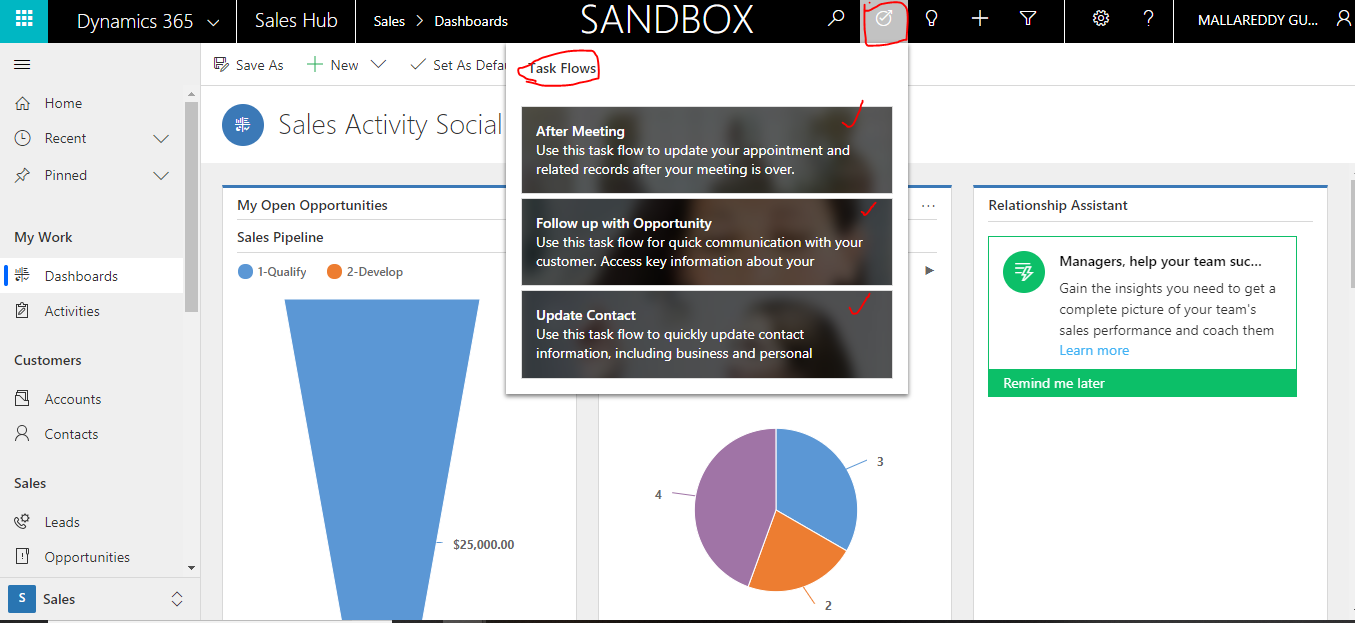
With the “Task Flow” you can perform following actions with out manually navigating to the Activities, Opportunities or contact etc..
After Meeting:
Use this task flow to update your appointment and related records after your meeting is over.
Follow up with Opportunity:
Use this task flow for quick communication with your customer. Access key information about your potential customer.
Update Contact:
Use this task flow to quickly update contact information, including business and personal details.
I hope this helps.
For Microsoft Dynamics 365 Consultancy/Training/Support/Licensing/Web Hosting/Websites
Contact us: https://www.gmrit-solutions.com
Email: info@gmrit-solutions.com
Hi Everyone,

Every year Microsoft conduct the Inspire program exclusively Microsoft Partners.
Microsoft Inspire will give Partners gets world recognition from their achievements throughout the year.
Microsoft rewards best partners with “Microsoft Partner of the year award”.
Also Partners gets the opportunity to get together and networking with other partners.
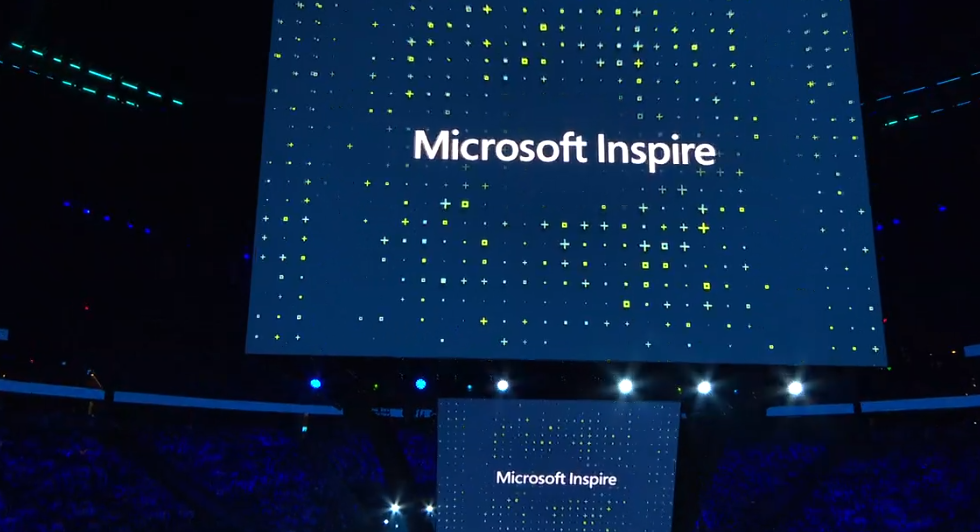
Technology investments and recognition of the partners who have developed new solutions on top of the Dynamics 365, Power Apps, Power BI, Azure etc..
Catch up the live event show from here
I hope this helps.
For Microsoft Dynamics 365 Consultancy/Training/Support/Licensing/Web Hosting/Websites
Contact us: https://www.gmrit-solutions.com
Email: info@gmrit-solutions.com