Menu Close

Blog

Slide 1

Microsoft Business Applications Blogposts, YouTube Videos and Podcasts

Helping Businesses with Technology

Slide 2

Microsoft Business Applications Blogposts, YouTube Videos and Podcasts

Helping Businesses with Technology

Slide 3

Microsoft Business Applications Blogposts, YouTube Videos and Podcasts

Helping Businesses with Technology

previous arrow
next arrow

{Do you know} Now you can use versioning for solution cloud flows

Hello Everyone,

Today I am going to share new feature benefits of using versioning for solution cloud flows.

Let’s get’s started.

Up until now you don’t have versioning for solution cloud flows, there is a lack of ability to revert to a previous version.

With this new feature: you can view and restore past versions of solution cloud flows, This can save your time in recreating flows when you get errors which can’t be resolve.

This ensures that business always has a working version.

Using Versioning for solution cloud flows in platforms like Microsoft Power Automate offers several key benefits that enhance the development, maintenance, and overall management of these flows.

Here are the main advantages:
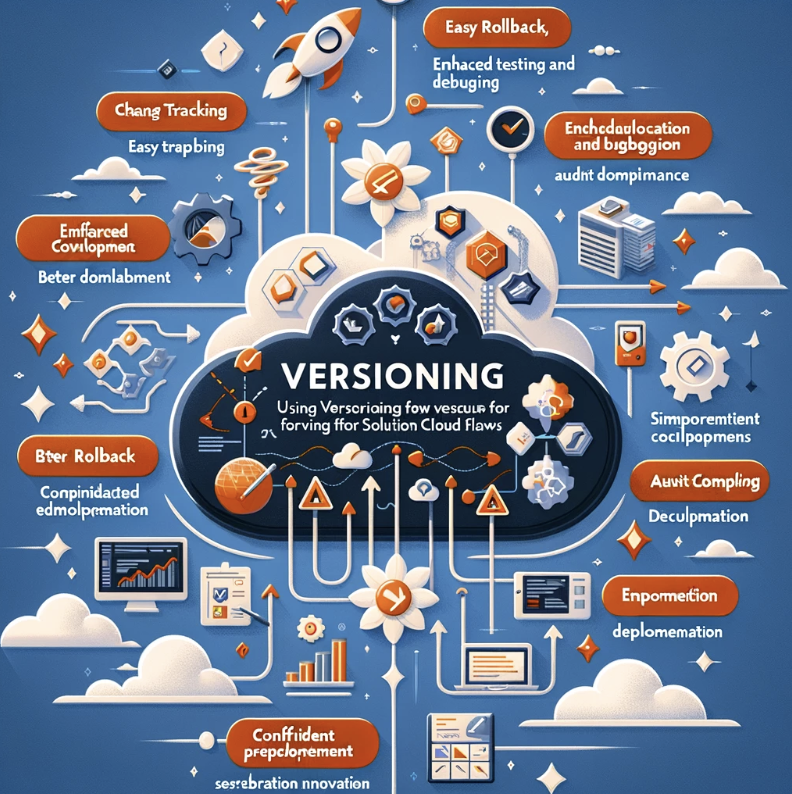
1. Improved Change Tracking: Versioning allows you to keep a record of changes made overtime. This makes it easier to track who made changes, what changes were made, and when they were implemented, facilitating better change management.

2. Easier Rollback: If a new version of a flow causes issues, versioning enables you to quickly revert to a previous version that was stable and functioning correctly, thus minimizing downtime and disruption.

3. Enhanced Collaboration: In environments where multiple develpers or teams are working on the same flow, versioning helps coordinate changes and prevents conflicts. It allows for better collaboration and communication among team members.

4. Simplified Testing and Debugging: Versioning allows for the testing of specific versions of a flow.

You can identify which version introduced a bug or an issue, making it easier to debug and fix problems.

5. Audit and Compliance: For regulatory compliance and audit purposes, versioning provides a clear history of changes. This is crucial in many industries where tracking changes and maintaining records is a compliance requirement.

6. Incremental Development: Versioning supports an incremental approach to develpment, you can build and deploy flows iteratively, adding new features or improvements in subsequent versions.

7. Documentation and Understanding: Each version can be accompained by notes or documentation explaining the changes. This is valuable for new team members or when returning to a flow after some time, as it helps in understanding the evolution of the flow.

8. Confidence in Production Deployments: Versioning, coupled with proper testing practices, increases confidence when deploying flows to production, as you know that any chnages can be quickly undone if necessary.

9. Experimentation and Innovation: With the safety net that versioning provides, teams can be more experimental in trying new features or approaches, knowing that they can easily revert to a previous version if needed.

Overall, Versioning is a best practise in software development, including the development of solution cloud flows. It brings structure, safety, and clarity to the process, ultimately leading to more robust and reliable flows.

That’s it for today.

I hope this helps.

Malla Reddy Gurram(@UK365GUY)
#365BlogPostsin365Days

Share this:

Hello Everyone,

Today I am going to share my thoughts on new feature Manage unpublished solution-aware cloud flows using admin APIs.

Let’s get’s started.

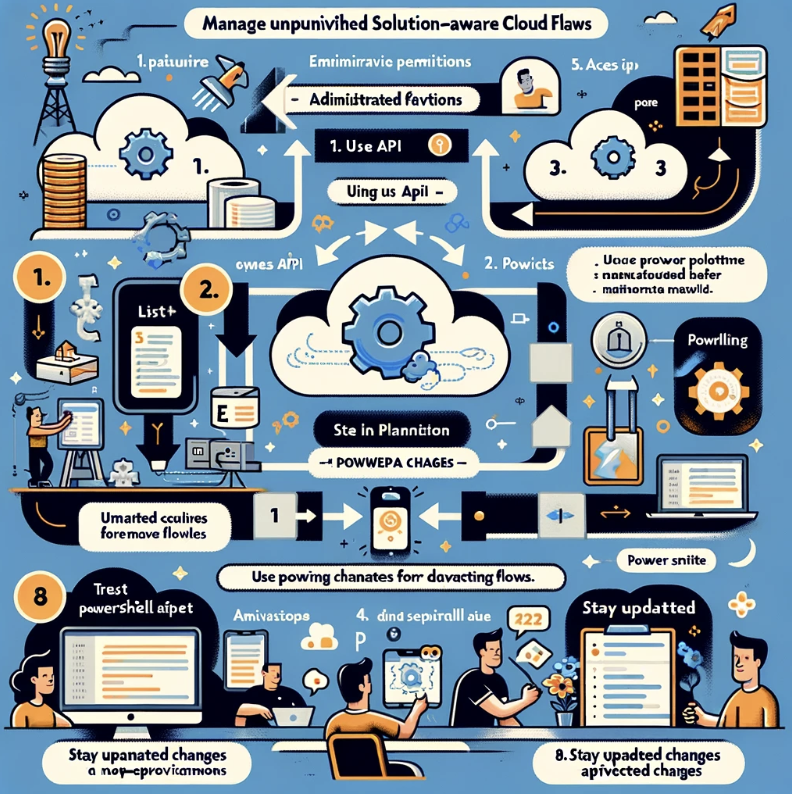
Managing unpublished solution-aware cloud flows in Microsoft Power Platform using admin APIs involves a sequence of steps requiring administrative privileges.

First ensure you have necessary permissions typically as a Power Platform or Global Administrator.

Access the Power Platform Admin API, which might involve registering an application in Microsoft Entra ID for authentication.

Use the API to list and identify unpublished cloud flows within a specific environment or solution,
filtering based on their publication status.

With the API, you can perform various management tasks such as updating exporting, importing or deleting these unpublished flows.

For more advanced management, Consider using Power Platform PowerShell cmdlets for a scriptable interface, allowing for easier automation.

It’s crucial to test any management scripts in a non-production environment first and monitor the changes for auditing purposes.

Additionally, staying updated with API changes is important to ensure continuous effective management of your cloud flows.

Currently, Power Automate admin APIs don’t fully support the management of solution-aware cloud flows because flows that have never been published(turned on) aren’t visible.

Power Automate admin APIs can now fully support the management of solution-aware cloud flows using
Power automate management connector
Power Automate for Admins Connector
PowerShell for Power Platform Administrators
Power Platform admin center

Admins can see unpublished solution cloud flows, share solution cloud flows and view the ownership cloud flows.

That’s it for today.

I hope this helps.

Malla Reddy Gurram(@UK365GUY)
#365BlogPostsin365Days
Share this:

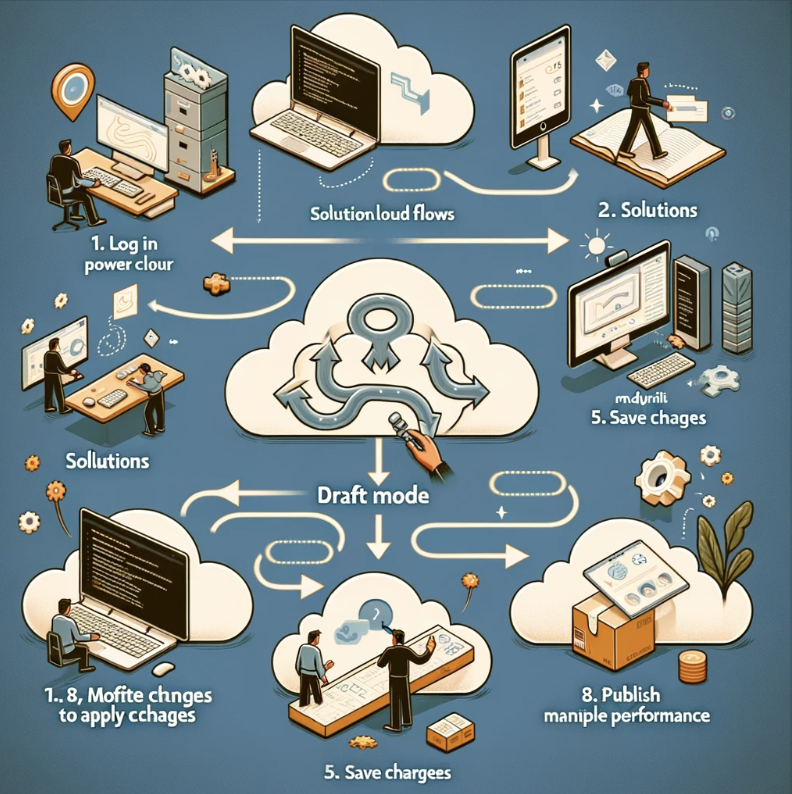
{Do you know} Make changes in draft mode for solution cloud flows

Hello Everyone,

Today I am going to share my thoughts on new feature related Cloud Flows, can’t make changes in draft mode for solution cloud flows.

Let’s get’s started.

Until now maker’s unable to save the cloud flows with erros, and can’t save a draft version of a flow.

With the new feature, makers can make changes to the solution cloud flows in draft mode, including when there are errors and publish when changes are complete.

That’s it for today.

I hope this helps.

Malla Reddy Gurram(@UK365GUY)
#365BlogPostsin365Days

Share this:

{Do you know} Author custom copilot behaviors with AI plugins

Hello Everyone,

Today I am going to share my thoughts on Authoring custom pilot behaviors with AI Plugins.

Let’s get’s started.

Authoring custom behaviors for Copilot using AI plugins in Dynamics 365 and Power Platform involves a nuanced process of integration and development.

Firstly, you’ll need to understand the intricacies of both Dynamics 365, which offers a suite of business applications, and Power Platform’s tools for data analysis, app development, and automation.

The goal is to identify specific areas where AI can enhance these platforms, such as automating complex workflows, providing predictive insights, or improving customer interactions.

Then, you’ll design an AI plugin that seamlessly fits into this ecosystem, adhering to Microsoft’s guidelines for security and performance.

This step typically involves leveraging Azure’s AI services like Machine Learning or Cognitive Services.

After developing and rigorously testing your plugin to ensure it complements the existing functionalities of Dynamics 365 and Power Platform, you deploy it, carefully monitoring its performance and impact.

Compliance with data protection laws, thorough documentation, user training, and ongoing support and maintenance are crucial to the successful integration and operation of these custom AI plugins.

This approach not only enhances the capabilities of Dynamics 365 and Power Platform but also tailors them to specific business needs, unlocking new potential for efficiency and innovation.

That’s it for today.

I hope this helps.

Malla Reddy Gurram(@UK365GUY)
#365BlogPostsin365Days
Share this:

Question Copilot about work order information using natural language

Hello Everyone,

Today I am going to share my thoughts on How to Ask Copilot about Work Order Information using natural language.

Let’s get’s started.

The below image illustrates a field service technician using natural language to inquire about work order details through Copilot in the Dynamics 365 Field Service App. It captures the essence of modern field service technology, where voice commands simplify the process of accessing and managing work order information.

To ask Copilot about work order information using natrual language in Dynamics 365 Field Service, you would typically use simple, conversational queries. Here are some examples of how you might phrase your questions.

1. For General Work Order Status:

“Hey Copilot, what’s the status of work order 12345?”

“Can you show me the latest updates on the work order for ABC Company?”

2. For Specific Details:

“Copilot, what parts are needed for the job on Elm Street?”

“Tell me the estimated time of completion for the task assigned to Technician John.”

3. For Customer Information:

“I need the contact details for the client on work order 67890.”

“What’s the service history for the customer at 123 Main Street?”

4.For Scheduling and Assigments:

“Which work orders are scheduled for today?”

” Who is assigned to the emergency repair job this afternoon?”

5. For Reporting Issues or Updates:

“There’s a delay on work order 11223 due to part unavailability. Can you update it?”

“Mark the work order 55677 as complete and log 3 hours of labor.”

Using Natural Language queries like these allows field service technicians to interact with the system in a more intutive and efficient way, enhancing productivity and reducing the time spent navigating through menus and forms. Copilot’s AI Capabilities are designed to understand and process these kinds of requests, making the management of work orders more streamlined and user friendly.

That’s it for today.

I hope this helps.

Malla Reddy Gurram(@UK365GUY)
#365BlogPostsin365Days
Share this: