I hope this helps.
Contact us: https://www.gmrit-solutions.com
I hope this helps.
Contact us: https://www.gmrit-solutions.com
As we all know, there is huge changes on the Microsoft Dynamics 365 Platform..
Earlier Microsoft Dynamics 365/ CRM used to have stand alone application for the Customer Relationship Management.
Things have been changing at a rapid phase releasing new things and platform enhancement across the Dynamics 365 Power Platform.
Now it there buzz words across the Microsoft and Community..
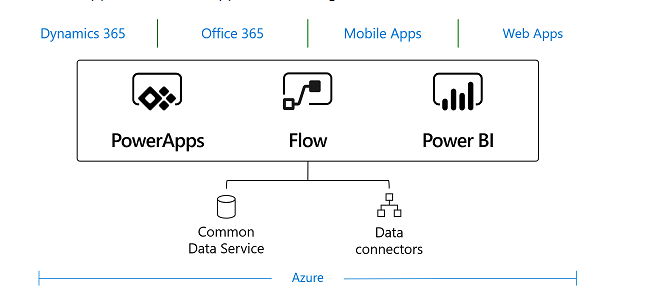
Power Apps: Power BI, Power Apps, Microsoft Flow, Common Data Service, Common Data Model, Model Driven Apps, Canvas Apps..
More on the Model Driven Apps and Canvas Apps in future blog posts.
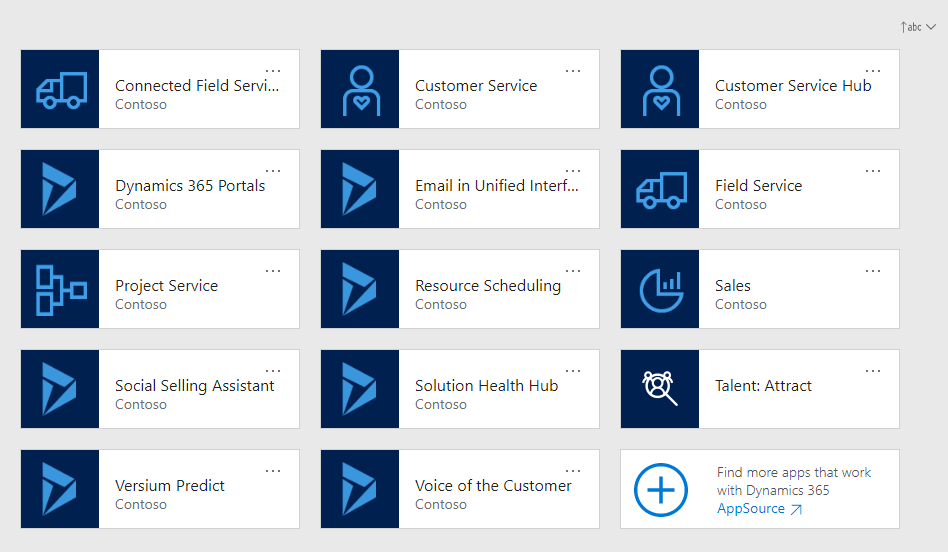
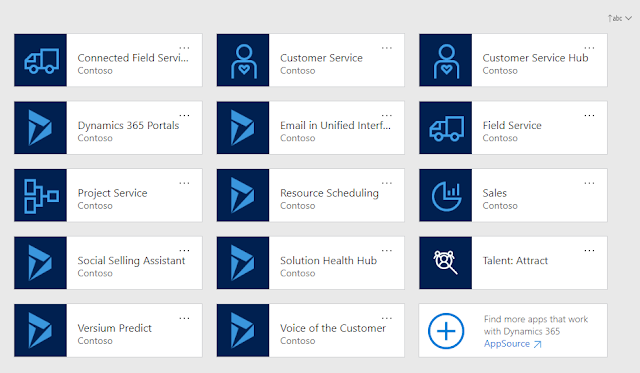
Dynamics 365 Customer Engagement: CE is Apps like Sales, Customer Service, Field Service, Project Service Automation, Marketing, AI for Sales, Customer Insights, Talent
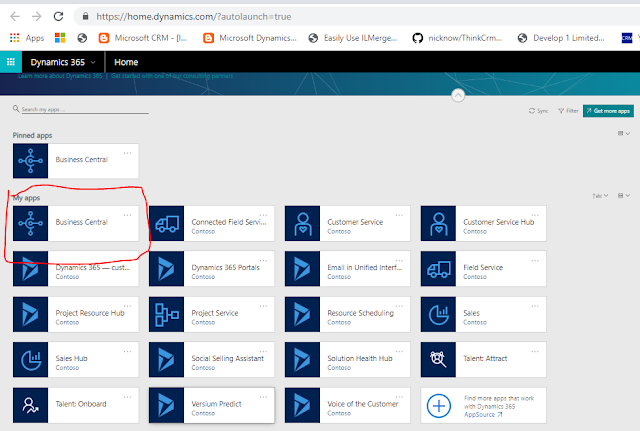
Dynamics 365 Business Central, Finance and Operations..
What is the Common Platform for all these Applications?
Here comes the Common Data Service:
CDS: Common Data Service is lets users to store and manage the data that is used by the business applications.
According to Microsoft Documentation:
“Data within Common Data Service is stored within a set of entities.
An entity is a set of records used to store data, similar to how a table stores data within a database.
Common Data Service includes a base set of standard entities that cover typical scenarios, but you can also create custom entities specific to your organization and populate them with data using Power Query. App makers can then use PowerApps to build rich applications using this data.”
For further information about the Common Data Service refer to Microsoft Documentation.
Lets move on to the Common Data Model:
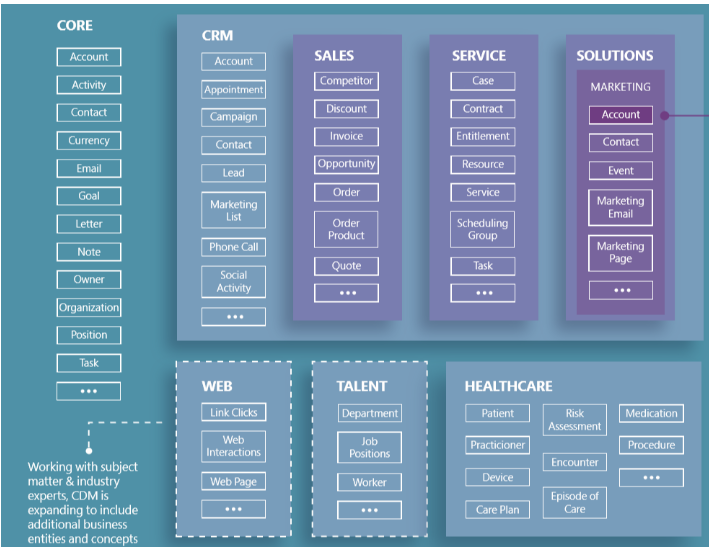
The Common Data Model simplifies the process by sharing data language for business and analytics applications to use.
According to Microsoft Documentation:
The Common Data Model metadata system enables consistency of data and its meaning across applications and business processes (such as PowerApps, Power BI, Dynamics 365, and Azure), which store data in conformance with the Common Data Model.
See Image from Microsoft:
Common Data Model is frequently used by the App Developers, Data Integrator’s.
For more information about the Common Data Model refer to the below link.
https://docs.microsoft.com/en-us/common-data-model/
I hope this helps.
Contact us: https://www.gmrit-solutions.com
Email: info@gmrit-solutions.com
Today i am going to share my experience with the Team Member User in Dynamics 365.
Scenario:
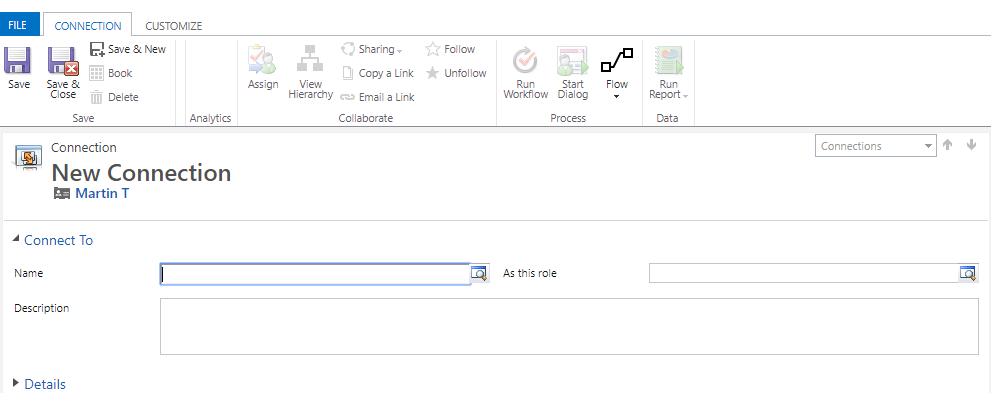
Team Member unable to make connections between contacts and accounts primary contact.
How to resolve this issue:
Lets gets started..
Microsoft Dynamics 365 Team Member License will have restricted access according to the Dynamics 365 Licensing Guide.
Here is the links for reference:
https://mbs.microsoft.com/Files/public/365/Dynamics365LicensingGuide.pdf
In order to resolve this problem..
Email: info@gmrit-solutions.com
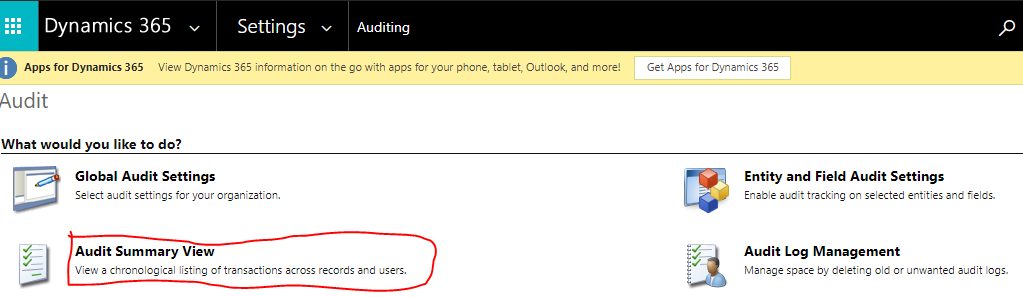
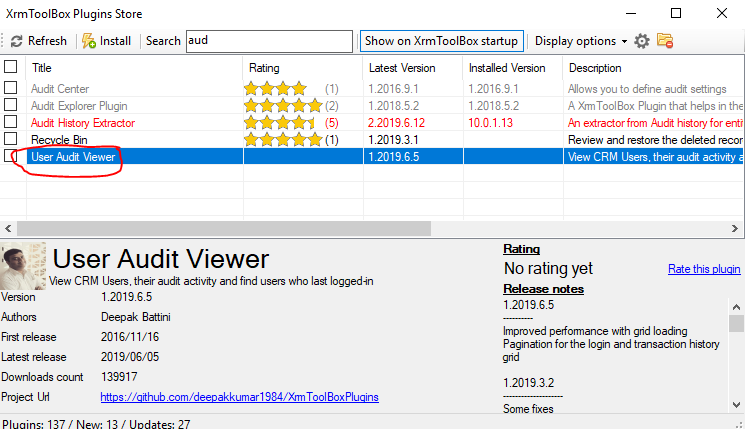
Today i am going to share useful information around the users activity and when was the user last logged in and inactive users.
How to find out the User Audit logs from the Dynamics 365?
With Advanced Find View we can see who the users are enabled and which license type the user is assigned on the Dynamics 365.
I hope this helps.
Contact us: https://www.gmrit-solutions.com
Email: info@gmrit-solutions.com
Today i am going to share quick tip on how to access One Tenant and Multiple Instances Scenario.
Suppose we have Contoso tenant and there are Fabrikam and Rezet instances.
If the Fabrikam system administrator needs to support another instance i.e Rezet Instance then simply include the Fakrikam user in the “Domain Admin User” Group and all other security groups in which Rezet and Fabrikam are part of the groups.
I hope this helps.
Contact us: https://www.gmrit-solutions.com
Email: info@gmrit-solutions.com