Today i a m going to explain how we can disable and Enable Synchronization direction between mapped Outlook/Exchange fields and Dynamics 365 fields.
> Dynamics 365 > Settings > Administration > System Settings
Entity Type:- Appointment, Contact, Fax, Letter, Phone Call, Recurring Appointment, Service Activity, and Task
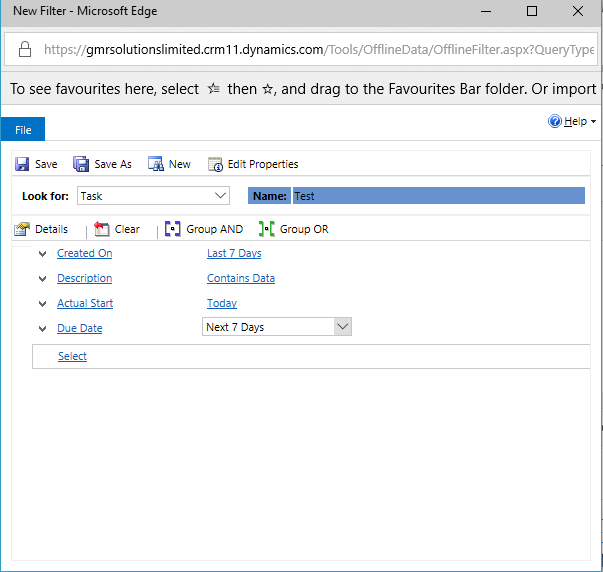
Please find the below images:

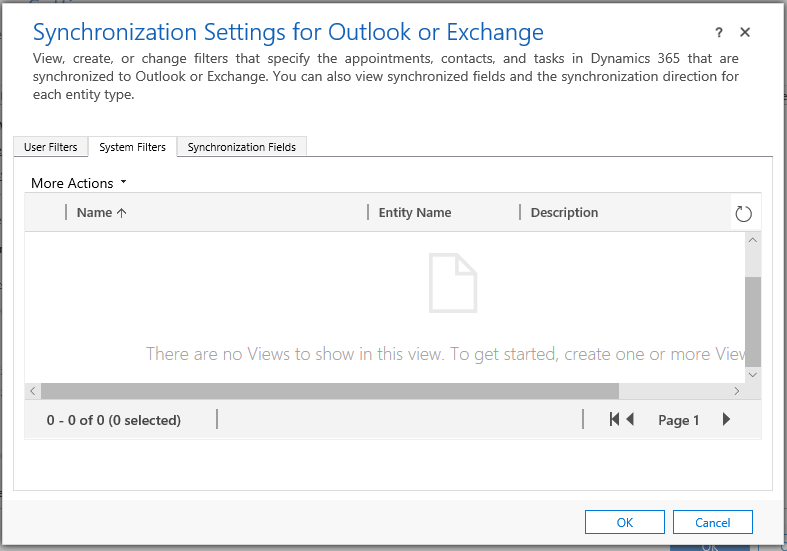
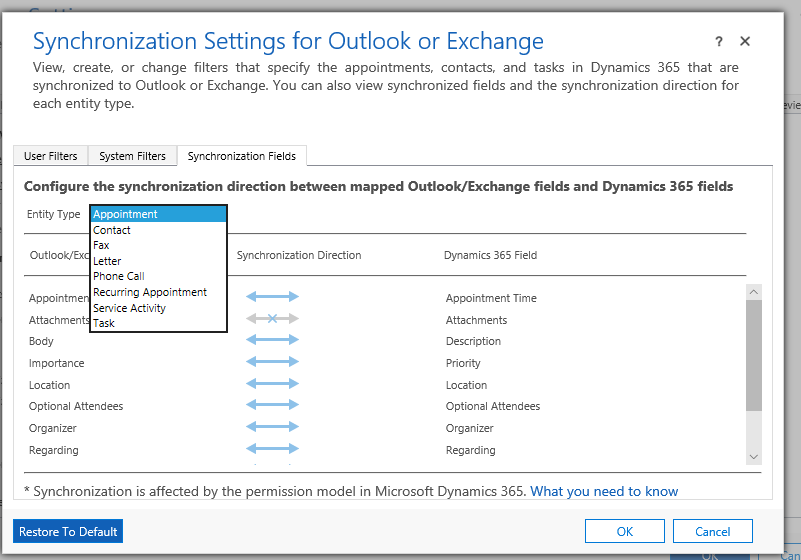
So when we look at the image above the Outlook/Exchange we can view, create or change filters that specify all the entity types in Dynamics 365 that are Synchronized to Outlook/Exchange.
we can also view synchronized fields and the synchronization direction for each entity type.
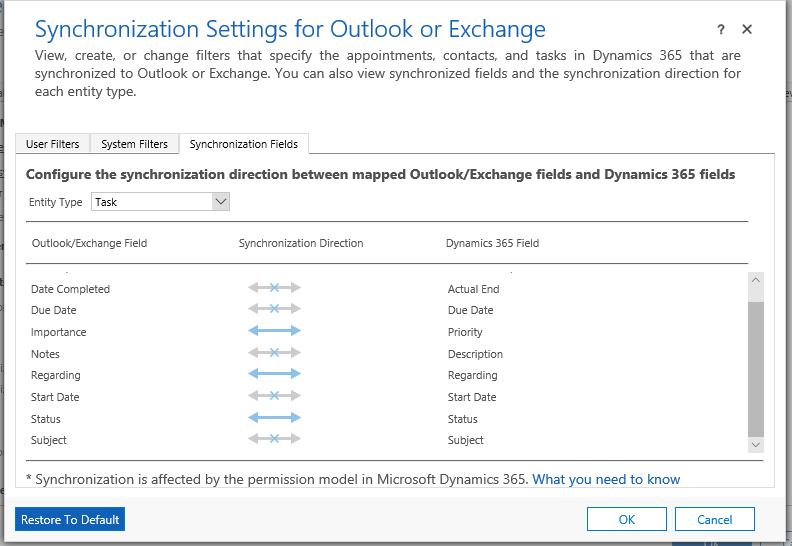
Scenario:- If you want to disable autocreation of Task from Outlook into Dynamics 365 and vice versa the double click the arrow marks so that it will disable data flow between Outlook and Dynamics 365.
Note:- We can not disable the Outlook/Exchange Field “Importance”, “Regarding” and “Subject” fields..
Same thing applies to remaining entity type in Outlook/Exchange and some of the fields might not be disabled and we can do one way data flow like Outlook to Dynamics 365 and not Dynamics 365 to Outlook.