Menu Close

Category: Blog

BULK UPDATE OF THE PRIMARY CONTACT’S COMPANY NAMES IN ALL CONTACTS IN DYNAMICS 365

If you want to bulk update the primary contacts “company name” field value in all the contacts records.

Then the below code is helpful:

public void Execute(IServiceProvider serviceProvider)
        {
            // Obtain the execution context from the service provider.
            IPluginExecutionContext context =
                (IPluginExecutionContext)serviceProvider.GetService(typeof(IPluginExecutionContext));

            // Get a reference to the Organization service.
            IOrganizationServiceFactory factory =
                (IOrganizationServiceFactory)serviceProvider.GetService(typeof(IOrganizationServiceFactory));
            IOrganizationService service = factory.CreateOrganizationService(context.UserId);
            Entity entity;
            if (context.InputParameters != null)
            {
                entity = (Entity)context.InputParameters[“Target”];

                string fetchXML = @”<fetch version=’1.0′ output-format=’xml-platform’ mapping=’logical’ distinct=’false’>
              <entity name=’account’>
                <attribute name=’name’ />
                <attribute name=’primarycontactid’ />
                <attribute name=’telephone1′ />
                <attribute name=’accountnumber’ />
                <attribute name=’accountid’ />
                <order attribute=’name’ descending=’false’ />
                <filter type=’and’>
                  <condition attribute=’primarycontactid’ operator=’not-null’ />
                </filter>
                <link-entity name=’contact’ from=’contactid’ to=’primarycontactid’ alias=’PrimaryContact’>
                  <attribute name=’parentcustomerid’  />

                    <attribute name=’contactid’ alias=’contact’/>
                  <filter type=’and’>
                    <condition attribute=’parentcustomerid’ operator=’null’ />
                  </filter>
                </link-entity>
              </entity>
            </fetch>”;
           
                EntityCollection entityCollection = service.RetrieveMultiple(new FetchExpression(fetchXML));
                for (int i = 0; i < entityCollection.Entities.Count; i++)
                {
                 
                        Entity contact = new Entity(“contact”);
                        contact.Attributes[“parentcustomerid”] = new EntityReference(entityCollection.Entities[i].LogicalName, entityCollection.Entities[i].Id);
                        contact.Attributes[“contactid”] = entityCollection.Entities[i].GetAttributeValue<AliasedValue>(“PrimaryContact.contactid”).Value;
                        service.Update(contact);
                 
                   
                }
            }
            else
            {
                return;
            }
        }
========================================================================

Message : Update
Entity: Account
Attribute: email
Post-operation, Asynchronous,

I hope this helps:
Happy CRM ing:-)

Share this:

IMPORT ADDITIONAL RECORDS INTO DYNAMICS 365

There is a requirement to import the additional contacts into dynamics 365

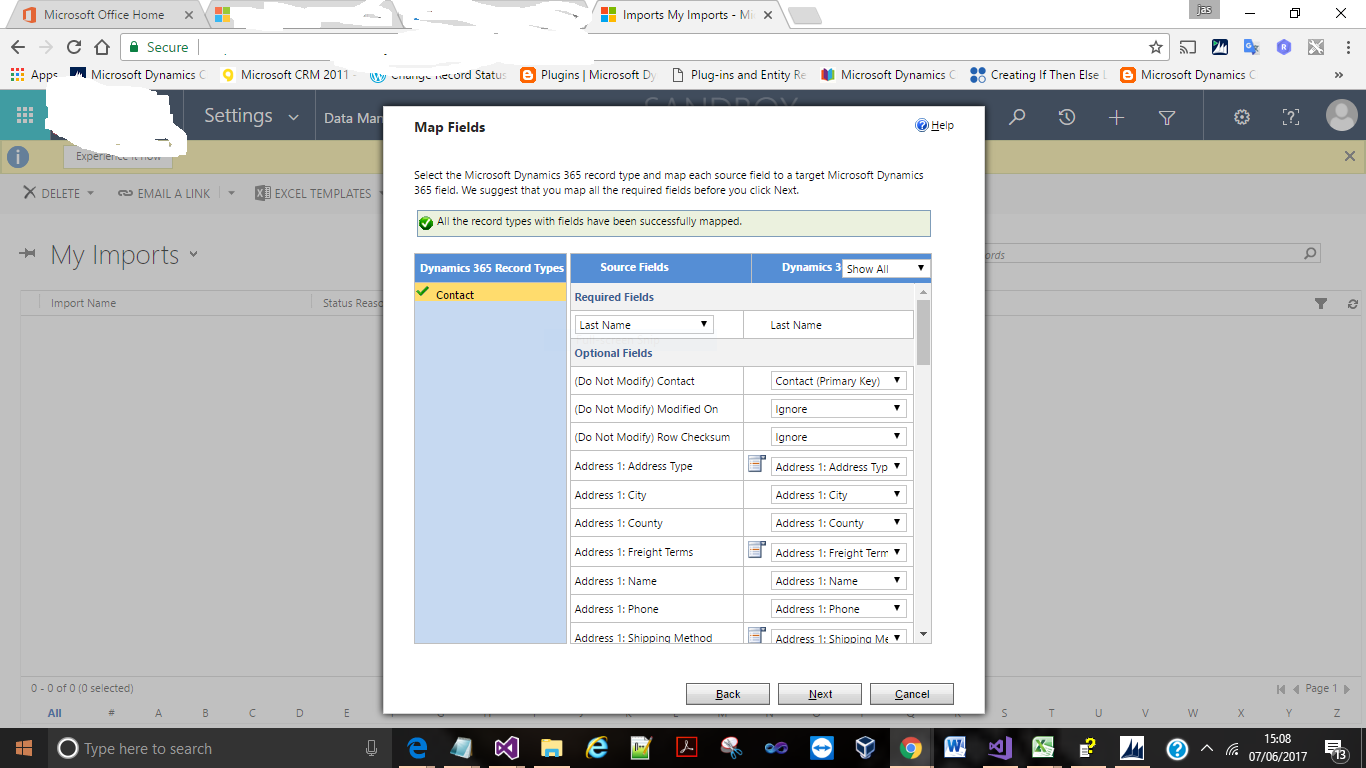
So i have opted to use the OOB functionality, i.e Template from dynamics 365.

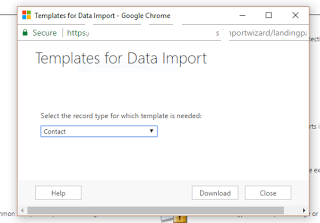
Goto Settings > Data Management > Template for data import and select the entity you want to download as a template.

Please find the below diagram:
Then download the template and add the records you want to import into dynamics 365.
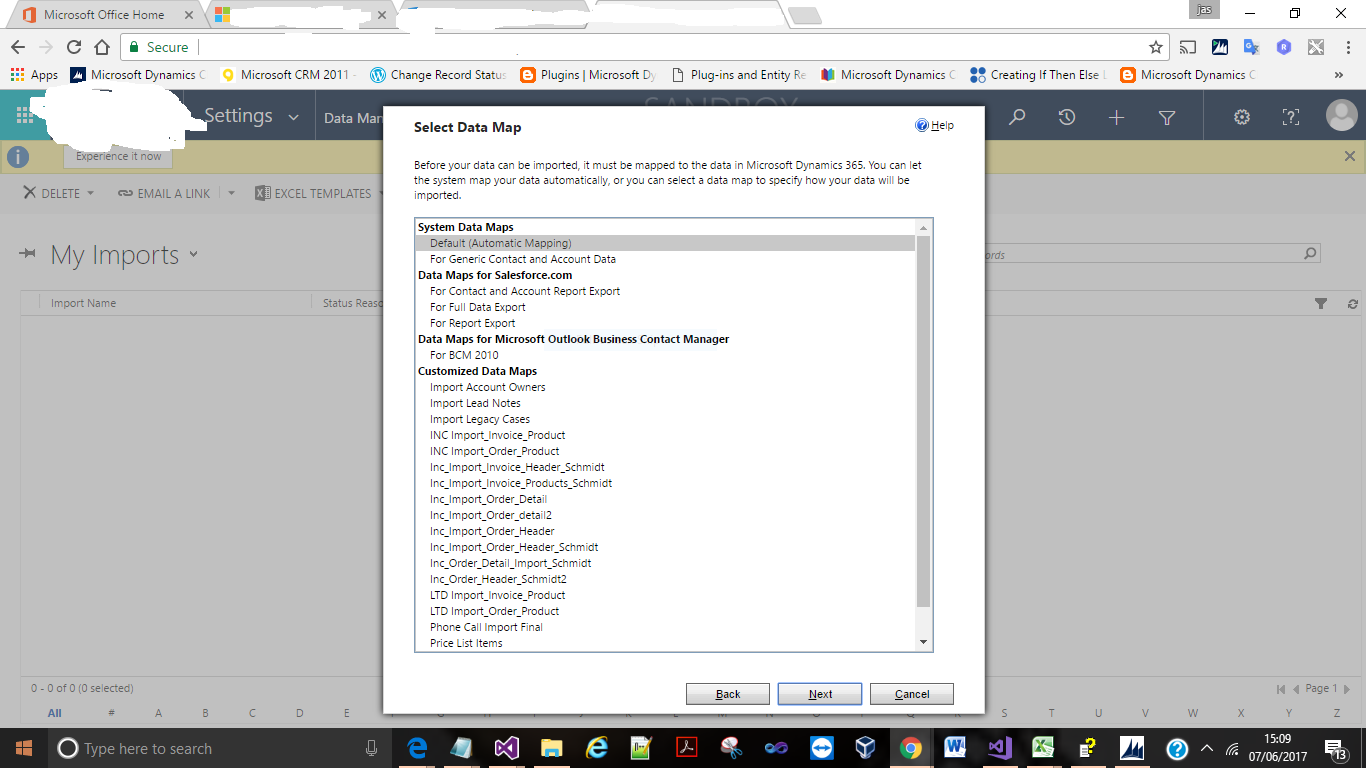
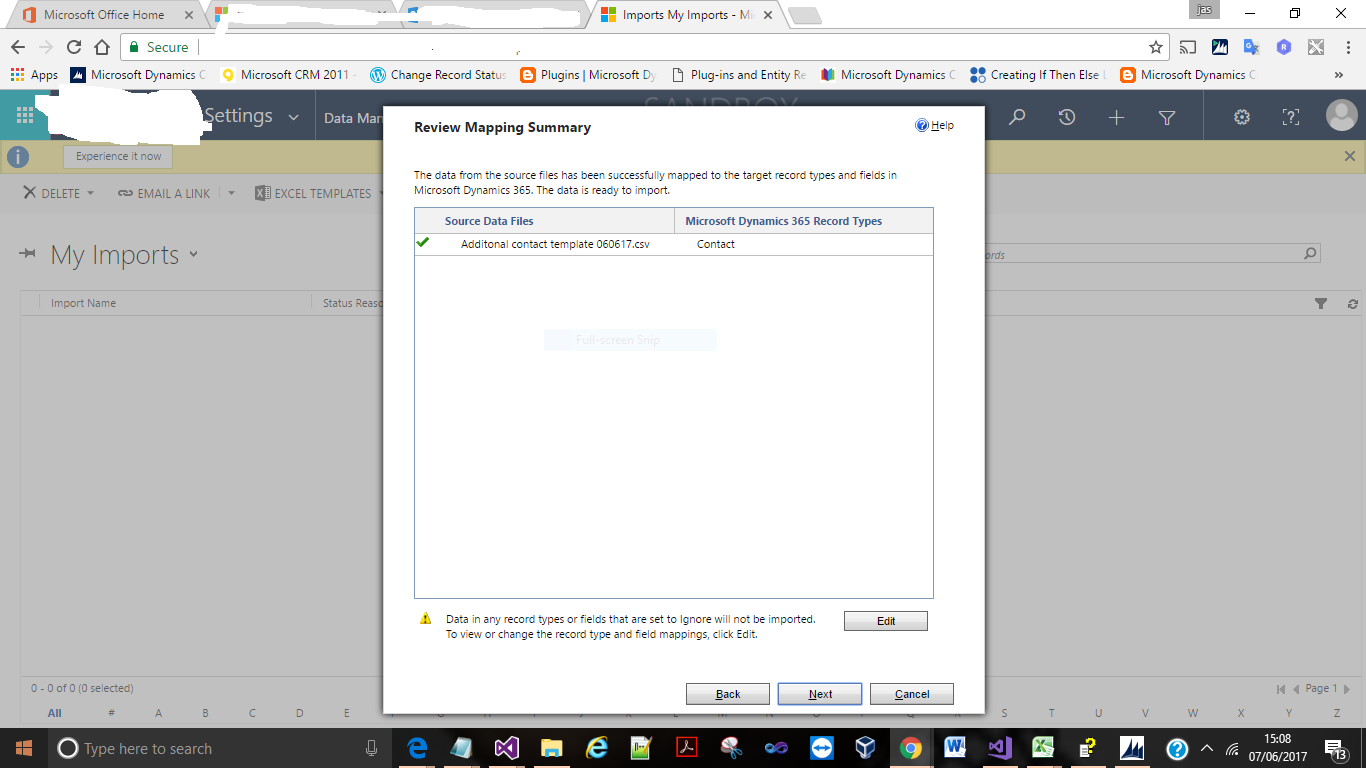
Import was partially successful with 977 records failure because of the lookup reference could not be resolved.

In my case the additional contacts have companyname  but inside dynamics 365, there is no accounts with those name, so the lookup could not be solved.
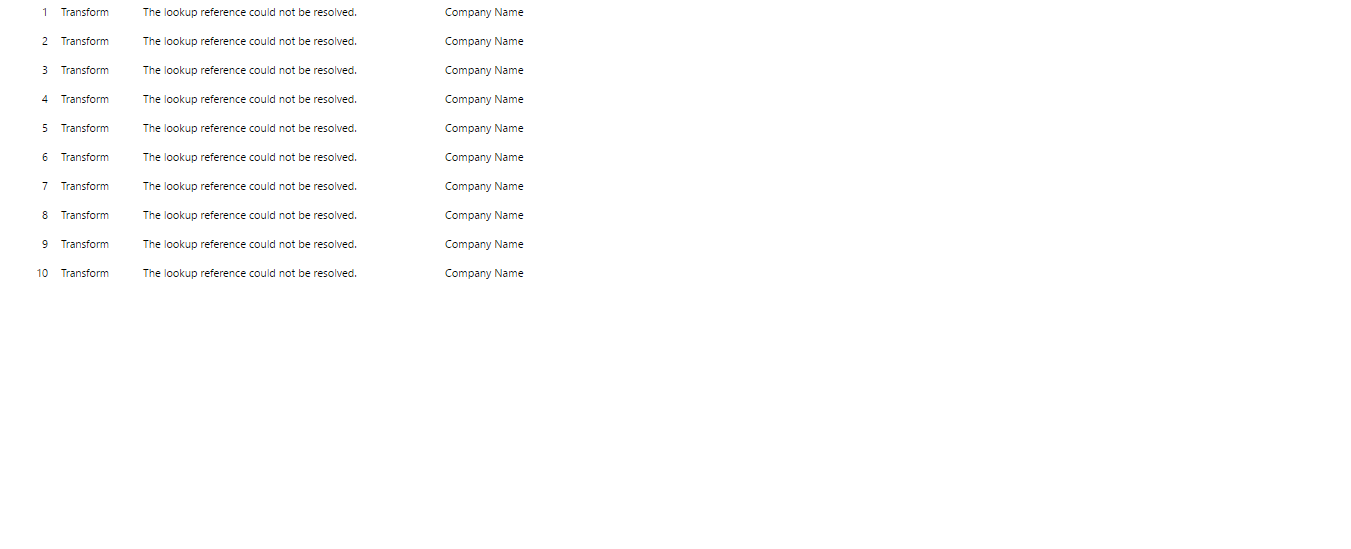
So i have created the new accounts in the dynamics 365 and reimported the failed contacts and the import was sucessful.

Share this:

BULK UPDATE OF ACCOUNT RECORDS WITH PRIMARY CONTACT EMAIL VALUE

My customer had a requirement of bulk update  of account records with email “string” , based on the primary contact email value.

Scenario : Account Records don’t have a email value from primary contact’s record.

So I have chosen to write a plugin to bulk update.

using System;
using System.Collections.Generic;
using System.Linq;
using System.Text;
using System.Threading.Tasks;
using Microsoft.Xrm.Sdk;
using Microsoft.Xrm.Sdk.Query;
namespace MallaSolutions
{
    public class UpdateAccounts : IPlugin
    {
        public void Execute(IServiceProvider serviceProvider)
        {
            // Obtain the execution context from the service provider.
            IPluginExecutionContext context =
        (IPluginExecutionContext)serviceProvider.GetService(typeof(IPluginExecutionContext));
            // Get a reference to the Organization service.
            IOrganizationServiceFactory factory =
        (IOrganizationServiceFactory)serviceProvider.GetService(typeof(IOrganizationServiceFactory));
            IOrganizationService service = factory.CreateOrganizationService(context.UserId);
            Entity entity;
            if (context.InputParameters != null)
            {
                entity = (Entity)context.InputParameters[“Target”];
                string fetchXML = @”<fetch distinct=’false’ mapping=’logical’ output-format=’xml-platform’ version=’1.0′>
                                  <entity name=’account’>
                                    <attribute name=’accountid’ />
                                    <attribute name=’emailaddress1′ />
                                    <order descending=’false’ attribute=’emailaddress1′ />
                                    <filter type=’and’>
                                      <condition attribute=’primarycontactid’ operator=’not-null’ />
                                    </filter>
                                    <link-entity name=’contact’ to=’primarycontactid’ from=’contactid’ alias=’PrimaryContact’ link-type=’outer’ visible=’false’>
                                      <attribute name=’emailaddress1′ alias=’contactEmailAddress’ />
                                    </link-entity>
                                  </entity>
                                </fetch>”;
                EntityCollection entityCollection = service.RetrieveMultiple(new FetchExpression(fetchXML));
                for (int i = 0; i < entityCollection.Entities.Count; i++)
                {
                    AliasedValue contactemailaddress = entityCollection.Entities[i].GetAttributeValue<AliasedValue>(“contactEmailAddress”);
                    if (contactemailaddress != null)
                    {
                        Entity account = new Entity(“account”);
                        account.Attributes[“accountid”] = entityCollection.Entities[i].Attributes[“accountid”];
                        account.Attributes[“emailaddress1”] = entityCollection.Entities[i].GetAttributeValue<AliasedValue>(“contactEmailAddress”).Value.ToString();
                        service.Update(account);
                    }
                }
            }
            else
            {
                return;
            }
        }
    }
}

====================================================================
Plugin Registration tool steps:


Message: Update
Primary Entity : Account
Filtering attributes : address1_city
event: post-opeartion
execution mode: Asynchronus
deployment: Server

I have registered asynchronous mode as the system will have performance impact if it is selected as Synchronous mode and it will time out after 2 min, as in my case , I am using dynamics 365 online.

We can increase time limit of plugin if it is dynamics 365 onpremise.

I hope this helps:-)
Cheers guys….

Share this: